The Paperless Office Illusion: Seven Scanner Leaks Draining Small-Firm Budgets in 2026
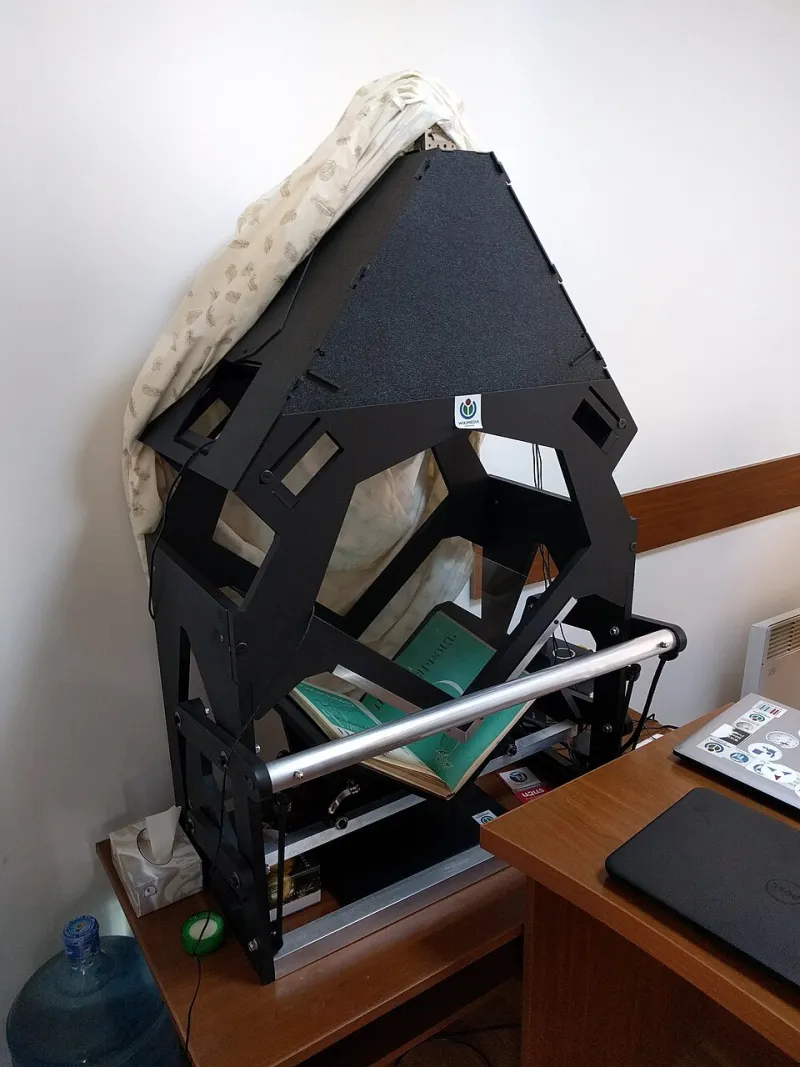
Photo: Wolliff (WMF), CC BY-SA 4.0, via Wikimedia Commons
The paperless office has become a useful story that many UK small firms tell clients and themselves. In 2026, files are increasingly digital, signatures are electronic and cloud storage is routine. Yet the scanner in the corner is often the least examined device in the office. It is treated as a utility, not a cost centre. That is a mistake. Hidden scanning inefficiencies quietly consume staff time, delay client work and create compliance risk. The following seven signs are worth an honest review.
1. Batch jobs that run slower than the tea run
A scanner that takes twenty minutes to process a 150-page client file is not saving time; it is relocating it. Staff wait by the machine, then return to find a misfeed or a half-finished PDF. In a small firm, those minutes accumulate quickly. Calculate the true cost by multiplying the weekly scanning time by the hourly rate of the person waiting. If the figure is uncomfortable, the machine or the workflow needs attention.
2. OCR that turns text into guesswork
Optical character recognition is only useful if the resulting text can be searched, copied and relied upon. Poor OCR produces documents that look digital but behave like photographs. Client names are misspelled, dates are misread and disclosure exercises become manual. For firms handling conveyancing, litigation or compliance files, searchability is not a convenience; it is part of a defensible record. Test a sample of scanned documents by searching for a name, a date and a reference number. If the results are unreliable, the workflow is not paperless in any meaningful sense.
3. Jams and misfeeds treated as routine
Every office tolerates some friction, but recurring jams are a warning. They slow batch work, damage originals and encourage staff to scan in small batches, which multiplies handling time. A machine that jams on folded corners, staples or thin paper is not suited to busy legal or professional files. Maintenance may help, but if the problem persists, the volume or paper mix may be beyond the device.
4. Digital filing that is not findable
Scanning without a naming convention creates a different kind of paper mountain. Files are saved as scan001, scan002 and scan003, then buried in folders that only one person understands. The office may be paperless, but it is not organised. A simple convention using client name, matter number, document type and date transforms the value of scanning. If staff still print documents to find them, the digital file is failing.
5. The backlog in the tray
A tray of unscanned client files is a visible sign of hidden delay. It may contain correspondence that should be on the file, documents awaiting signature or material that needs to be returned. Backlogs create duplicate requests, missed deadlines and unnecessary storage costs. They also make it harder to answer a client quickly. In a small firm, a backlog is not just an administrative inconvenience; it is a service risk.
6. Consumables and maintenance exceed expectations
Scanners consume rollers, separation pads, drums and electricity. Service contracts, repairs and staff downtime add to the total. Many firms compare the purchase price of a scanner with the cost of an external service, but the fair comparison includes maintenance, consumables and the time spent managing the device. For low-volume scanning, in-house may still be sensible. For large batches, archived files or oversized documents, a specialist document service can be more economical and more reliable.
7. Security and retention blind spots
Scanning creates copies, and copies create obligations. Documents may be emailed to personal accounts, saved to unsecured drives or left in the scanner output tray. Under UK GDPR, firms need appropriate security and retention practices for personal data. A scanner with a shared mailbox or a default folder can undermine those controls. Review who can access scanned files, how long they are kept and how confidential waste is handled. A fast document service should be able to explain its own handling and confidentiality arrangements.
Fix in-house or use a service?
The answer depends on volume, frequency and quality requirements. In-house scanning suits occasional documents and files that must stay on site. A fast document service suits bulk scanning, backlog clearance, court-ready copying and projects with tight deadlines. The practical test is simple: if the machine, the workflow or the backlog is causing delay, calculate the cost of that delay. Then compare it with a service that handles the batch, returns searchable files and meets a clear deadline.
Practical takeaways
Audit one week of scanning activity. Record volumes, waiting time, jams, OCR quality and filing problems. Ask staff where they lose time. Test searchability on a sample of client files. If the results are poor, fix the workflow before buying another machine. If the backlog is already significant, consider using a document service for the bulk work while the office refines its day-to-day process.
Conclusion
A paperless office is not defined by the absence of paper. It is defined by documents that can be found, read and relied upon quickly. In 2026, small firms should treat the scanner as a business system, not a background appliance. Fast Documents UK helps UK firms with fast scanning, printing and document handling when the in-house machine is no longer the fastest or safest route.